Bring the POS you already run.
Connect Toast, Square or Clover — or Arryved, through 7shifts. Net sales arrive every night, and from Toast, Square and Clover the food/bar split and units sold per menu item too — no typing.
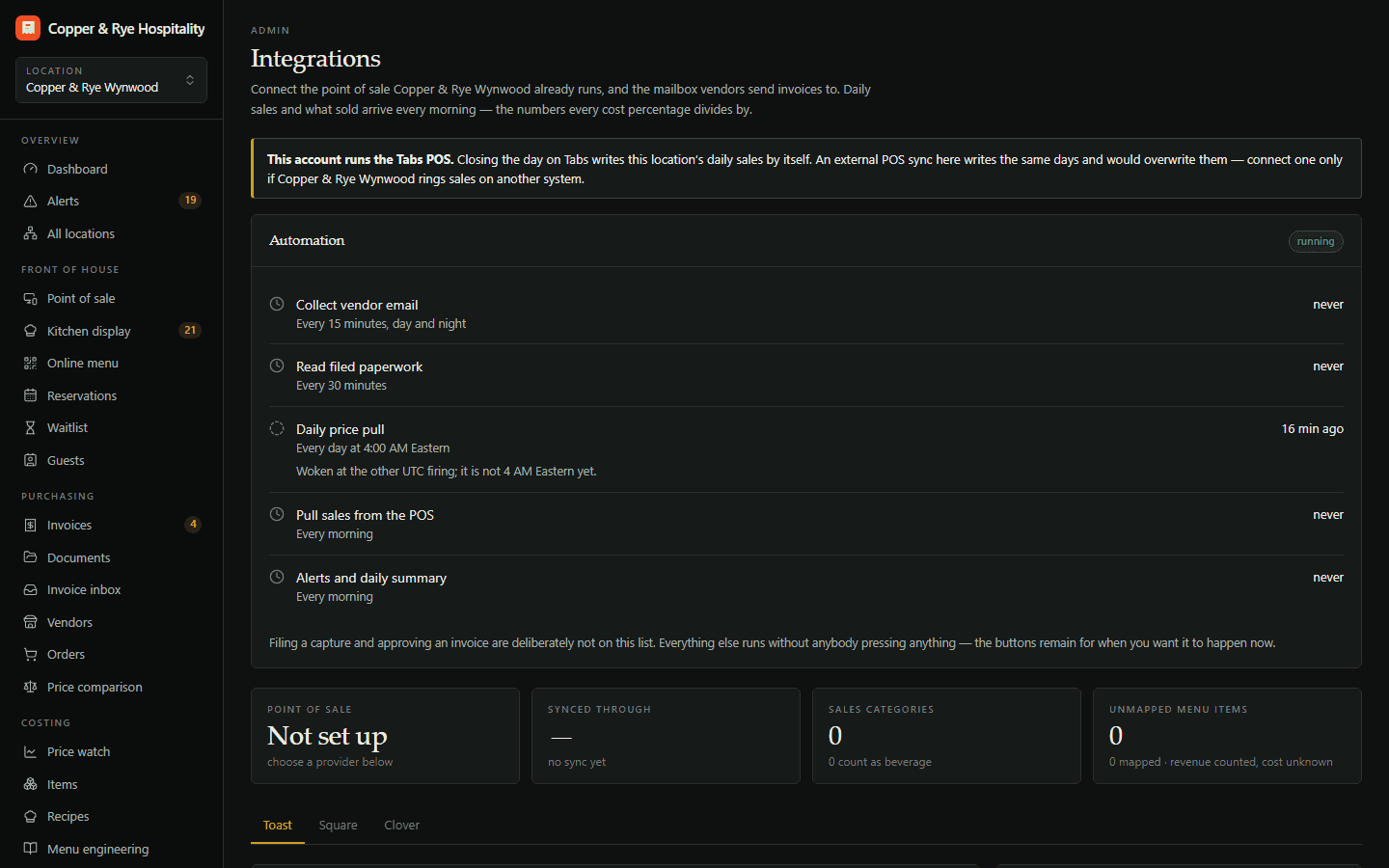
Every morning someone pulls a sales report out of the POS and types it into a spreadsheet so cost percentages mean something.
Toast, Square or Clover sends net sales, the food and bar split and units per menu item every night. Cost percentages are ready when you open the dashboard.
Nightly sales and menu mix from Toast, Square or Clover; net sales from Arryved via 7shifts.
- Toast, Square and Clover
- Arryved, through 7shifts (net sales only)
- Food / beverage split from sales categories
- Map POS items to recipes for units sold per recipe
See how each POS connects
Toast, Square, Clover and Arryved
Authorise once. Credentials are encrypted at rest and only used to read your sales. Arryved is read through 7shifts — you need a 7shifts account with Arryved linked to it — and sends tab totals only: net sales every night, but no food/bar split and no units per item.
Food and beverage, split properly
Map your POS sales categories to food, beverage and other, so food cost and pour cost each divide by the right sales.
Units sold, per recipe
Map POS items to recipes and units sold are recorded against each recipe every day, beside its live cost — what menu engineering and theoretical cost are built from.
Try POS integrations free for 14 days.
Start a trial with POS integrations on its own, or as part of any plan — and add or drop modules any month.